How to create a new link?
-
1. Navigate to URL Shortener
- Go to Campaigns → URL Shortener in the side panel.
- Click the Create New URL button “+“ icon.
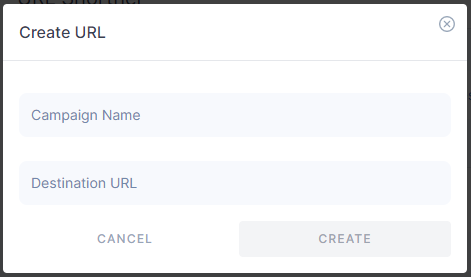
- Campaign Name: Enter a unique name to identify this link (e.g., “SpringPromo2025”).
- Destination URL: Paste the full target URL (e.g., https://yourwebsite.com/promo).
- Click Create. Your short link will be generated instantly and appear in the Short URL list.
Thank you for your feedback!
We appreciate your feedback!