Click to Instagram (CTWA)
-
Overview:
“Click to Instagram” streamlines the journey from your ads, emails, or web pages directly into your Instagram presence—whether that’s your profile, a specific post, or a DM thread. By embedding a single tap link, you turn passive viewers into active followers, product browsers, or direct-message leads on one of the most engagement-driven social platforms.
-
How to Access
- In Chat360’s left navigation, go to Analytics → Marketing.
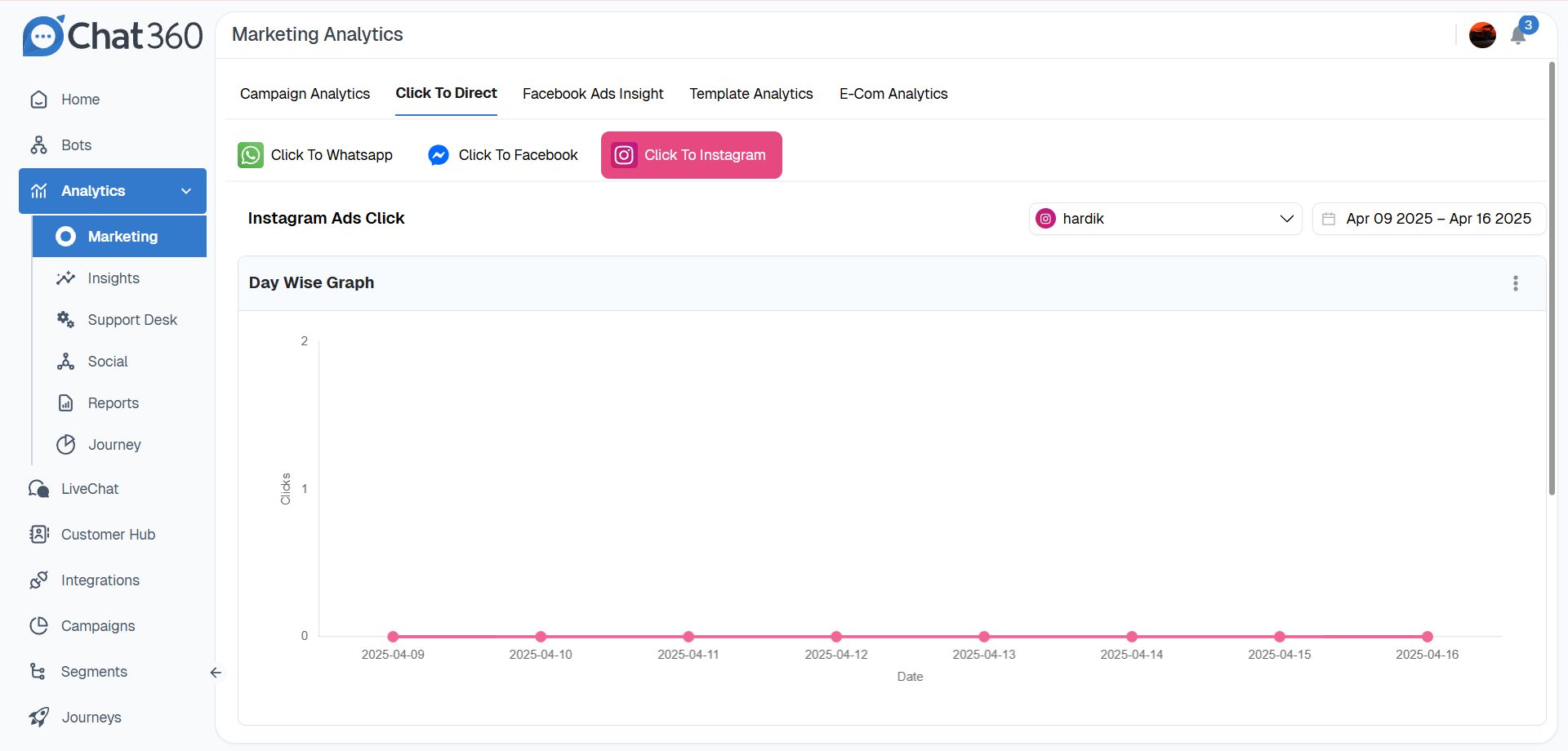
- Choose the Click To Direct tab, then click Click To Instagram.
-
Key Metrics
- Total Clicks: The aggregate number of user taps on Instagram CTAs.
- Account Selector: Pick which connected Instagram Business Account to report on.
- Date Range: Choose any timeframe (daily/weekly/monthly) to slice your data.
-
Visual Analytics
- Overview Tile: Shows the total redirects into Instagram over your selected period.
- Day-Wise Graph: A line chart mapping clicks by date—hover for exact daily counts.
-
Detailed Reporting
- Click Timestamp
- User Identifier (if available)
- Source Type (Ad, Post, Landing Page)
- Source URL
- Associated Campaign or Ad ID
Exportable CSV: Download full event logs including:
Source Breakdown: Quickly see which marketing channels drive the most Instagram traffic.
-
Usage & Benefits
- Profile Growth: Convert site visitors into Instagram followers with zero friction.
- Product Showcase: Send prospects straight to shoppable posts or story highlights.
- Direct Engagement: Launch a DM conversation automatically to capture inquiries or offers.
- Campaign Insights: Compare which creatives or placements generate the highest Instagram interest.
-
Best Practices
- Targeted Landing Points: Link each CTA to a specific Instagram destination—profile bio, product post, or a branded DM greeting.
- Custom UTM Tags: Add UTM parameters to track which campaigns yield the strongest Instagram traffic in your analytics.
- A/B Testing: Experiment with different button texts (“See Our Insta Feed” vs. “Message Us on IG”) to maximize clicks.
- Follow-Up Automation: Trigger an automated DM sequence in Instagram to qualify leads or share catalogues immediately.
Thank you for your feedback!
We appreciate your feedback!