How to Block a Number?
Overview
Chat360’s Settings module allows administrators to configure bot behavior, user permissions, and system-wide controls. Below are key settings features with step-by-step instructions and their benefits.
-
Blocking Numbers
How to Block a Number
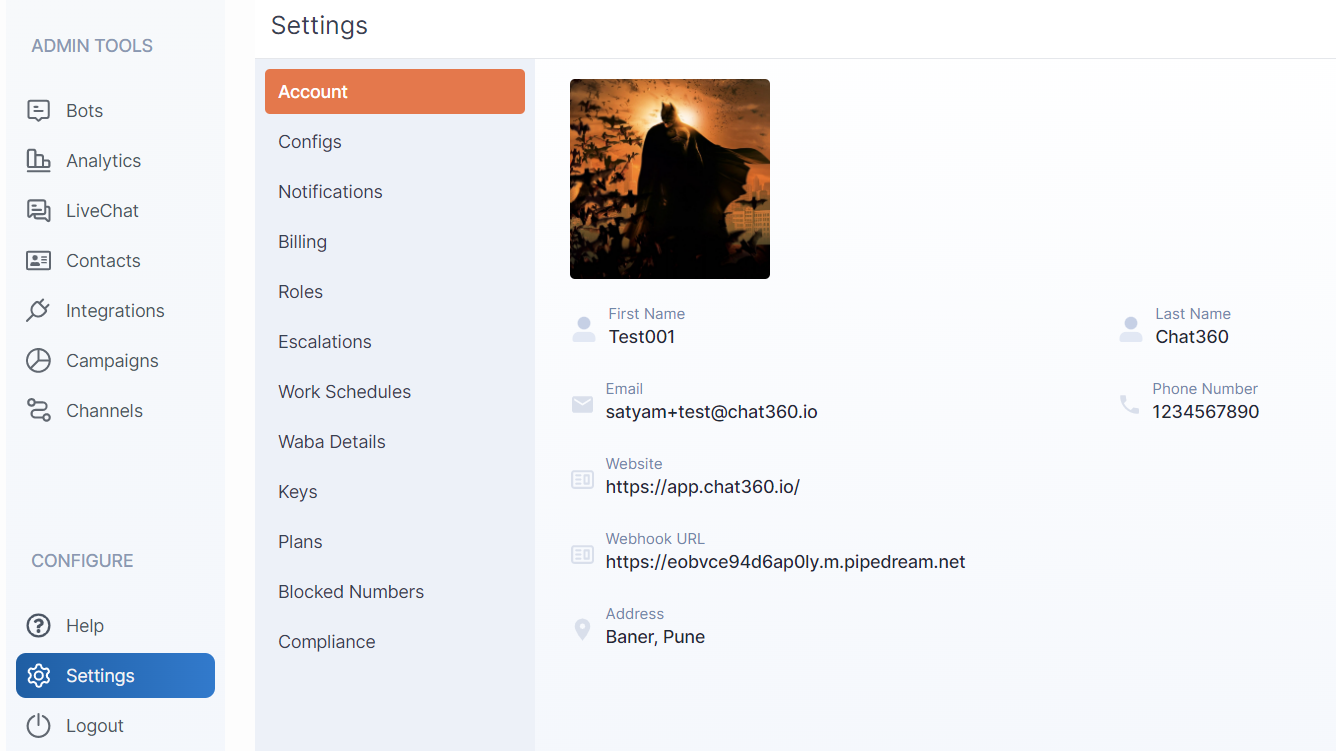
- Log in to Chat360 and click Settings in the main menu.
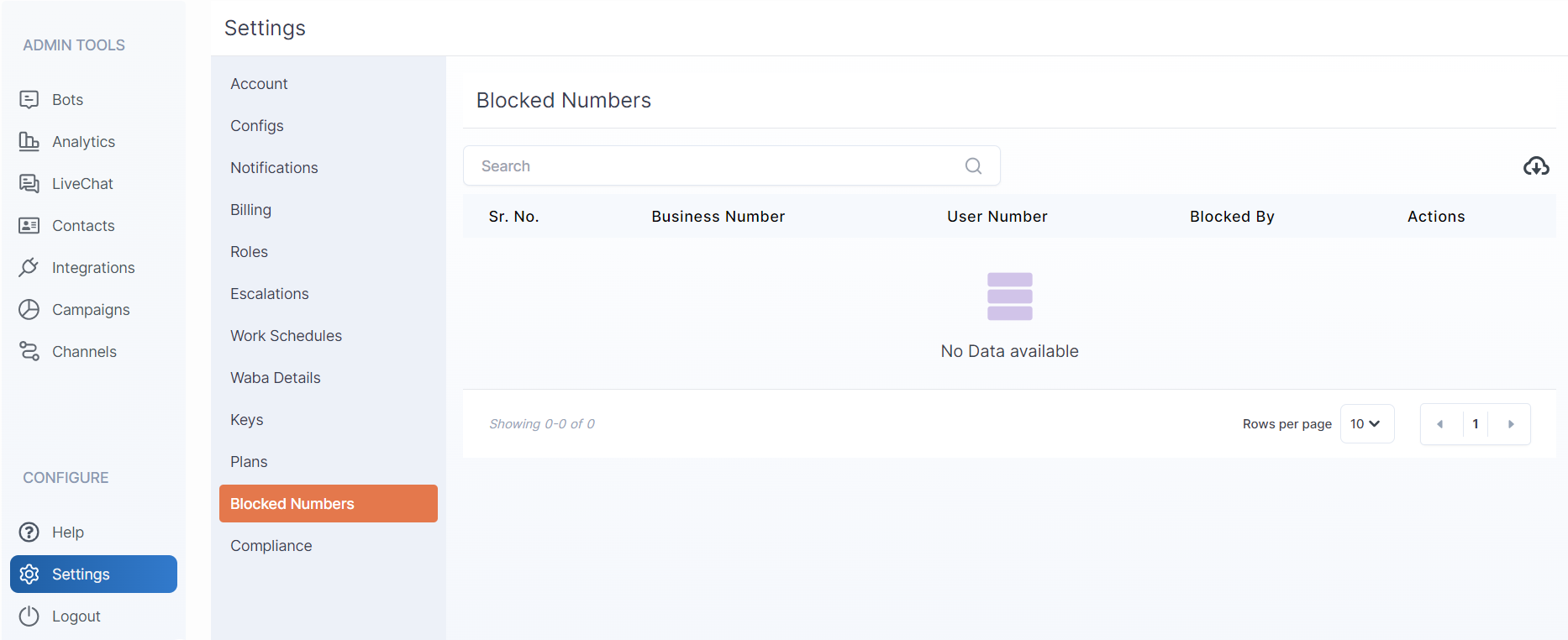
- Select Blocked Numbers from the left sidebar.
- Click the cloud icon to download the template Excel file.
- Add phone numbers you wish to block in the sheet.
- Return to Blocked Numbers and upload your edited Excel.
- Numbers will be auto-added to the block list.
-
1. Navigate to Settings
-
2. Open Blocked Numbers
-
3. Download & Edit Excel
-
4. Upload & Apply
-
Key Benefits
- Bulk Management: Block hundreds of numbers at once via spreadsheet.
- Prevent Abuse: Stop unwanted or abusive users from interacting.
- Audit Trail: Maintain a list of blocked contacts for compliance.
Thank you for your feedback!
We appreciate your feedback!