Click to WhatsApp (CTWA)
-
Overview:
“Click to WhatsApp” is a direct-response marketing feature that lets prospects launch a WhatsApp chat with your business via a single click. By embedding a specialized link or button in digital ads, social posts, emails, or website pages, businesses create an instant, personalized communication channel—complete with optional prefilled messages—to accelerate lead capture, customer support, and engagement.
-
How to Access
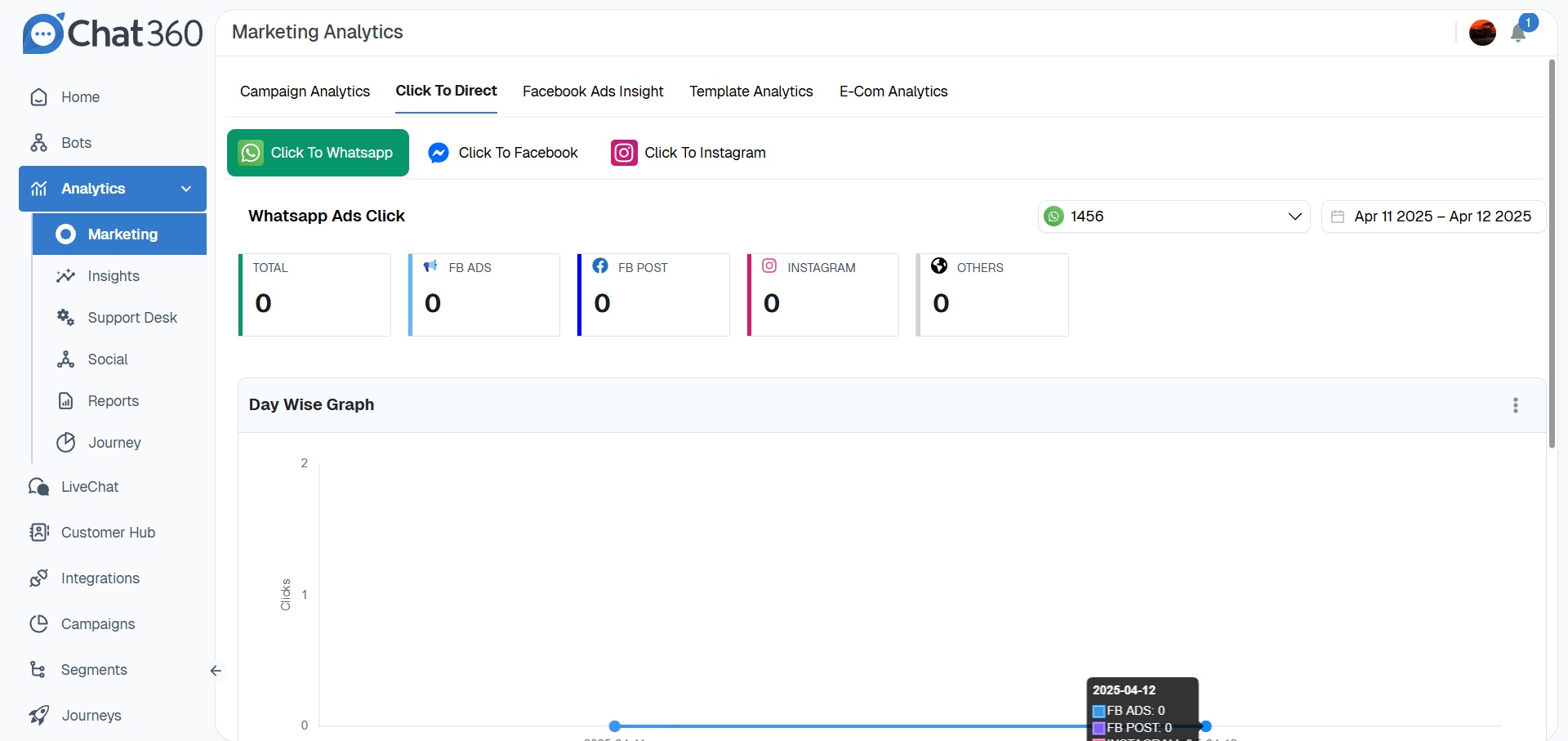
- In the Chat360 dashboard sidebar, click Analytics → Marketing.
- From the top tabs, select Click to Direct → Click to WhatsApp.
-
Key Metrics
- Total Clicks: Cumulative number of times users clicked the WhatsApp link.
- Source Breakdown: Counts by origin channel (e.g., Facebook Ads, Facebook Post, Instagram, Others).
- Date Filter: Selectable range (daily, weekly, monthly) via the calendar picker.
- Channel Selector: Switch between WhatsApp, Facebook-Messenger, or Instagram click-through analytics.
-
Visual Analytics
- Overview Cards: Display the total click count and per-channel clicks in color-coded summary tiles.
- Day-Wise Graph: Line chart plotting daily click volumes by channel—hover over each point to see exact counts for that date and source.
-
Usage & Benefits
- Lead Generation: Embed in ad campaigns to reduce friction; prefill questions like “I’m interested in pricing.”
- Customer Support: Offer a one-tap support line on website footers or email campaigns.
- Campaign Optimization: Compare source breakdown (e.g., Instagram vs. Facebook) to refine ad spend.
- Engagement Tracking: Use total and day-wise click data to gauge peak interest times and adjust scheduling.
-
Best Practices
- Prefilled Message: Craft concise CTAs (“Hi, I’d like a demo link.”) to guide user responses.
- Strategic Placement: Position buttons above the fold or at key decision points (product pages, pricing tiers)
Thank you for your feedback!
We appreciate your feedback!